
Viva Engage
Rencore monitors Viva Engage with 1 governance policy, 1 inventory, and 1 provisioning template, providing visibility and standardized community management.
Rencore Viva Engage governance provides 1 policy, 1 inventory, and 1 provisioning template for Microsoft's employee communication platform. It inventories communities across the tenant, applies governance policies to detect community management issues, and provides provisioning templates that standardize how new communities are created, ensuring consistent naming and configuration.
See Viva Engage in Rencore
Every Viva Engage object Rencore discovers and inventories across your tenant.
The governance policies Rencore evaluates against Viva Engage, with severity and category.
The Viva Engage governance dashboard, summarizing risks and status at a glance.
Why govern Viva Engage with Rencore
Govern communities
Detect communities without assigned owners, communities that violate naming conventions, and community configurations that deviate from organizational standards.
Inventory communities
Catalog all Viva Engage communities across the tenant. See community data alongside Teams, SharePoint, and Groups governance for a complete M365 collaboration view.
Standardize community creation
Provisioning templates enforce naming conventions and configuration standards when new Viva Engage communities are created through Rencore's automation workflows.
What Rencore discovers
Rencore automatically inventories these Viva Engage object types.
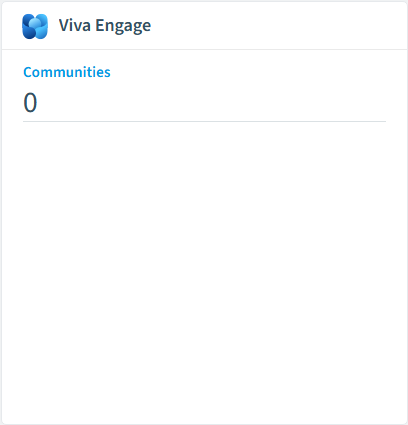
How Viva Engage governance works in Rencore
Rencore connects to Viva Engage via Microsoft Graph API and inventories communities across the tenant. Policies evaluate community configurations against governance rules, and provisioning templates standardize new community creation.
Who uses Viva Engage governance
M365 product owners use Viva Engage inventory data as part of their broader M365 collaboration governance view. IT administrators use provisioning templates to enforce community creation standards.
Getting started
Connect your Microsoft 365 tenant. Viva Engage governance activates on first scan alongside your existing M365 governance. No additional configuration required.
Policies
1 governance rules that detect violations and risks.
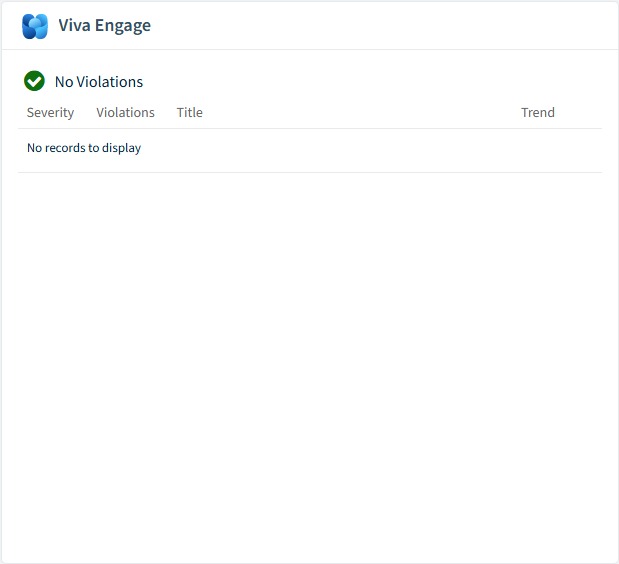
Need a rule that isn't listed? Rencore's Policy Builder lets you create custom policies tailored to your organization.
Automations
1 automated remediation workflows.
Provisioning templates
1 resource creation templates.
Frequently asked questions
What governance areas does Rencore cover?
What is Rencore governance?
How do Rencore policies work?
Trusted by










