
Jira
Rencore monitors Jira Cloud across 14 governance policies, 3 reports, and 20 inventories, detecting project sprawl, stale workflows, and user lifecycle issues automatically.
Jira is in private preview. Join the waiting list and we will reach out when access opens up.
Join the waiting listRencore Jira governance is a set of 14 policies, 3 reports, 7 segments, and 20 inventories that audit Atlassian Jira Cloud for project sprawl, user lifecycle gaps, and workflow compliance issues. It detects projects without recent activity, users deactivated in Entra ID who retain Jira access, and workflow configurations that bypass approval processes.
See Jira in Rencore
Every Jira object Rencore discovers and inventories across your tenant.
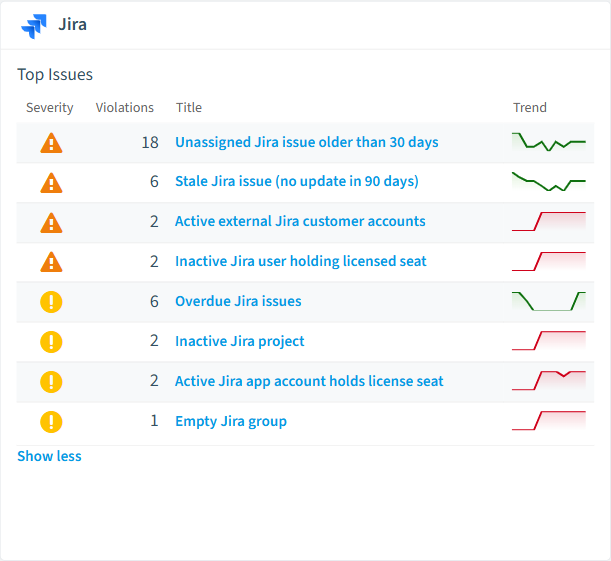
The governance policies Rencore evaluates against Jira, with severity and category.
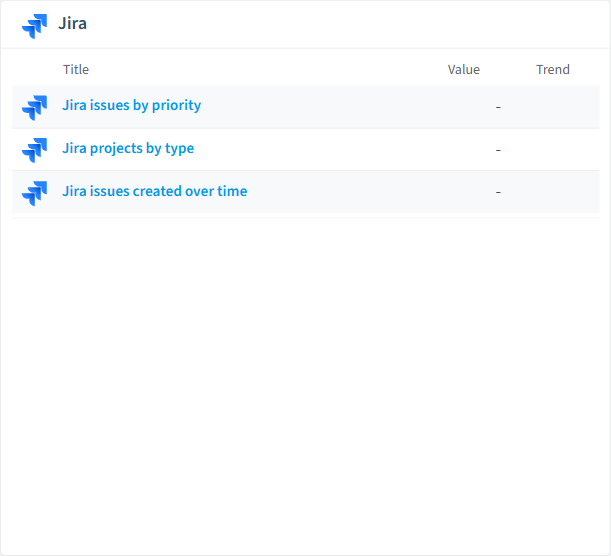
Built-in Jira reports and analytics views in Rencore.
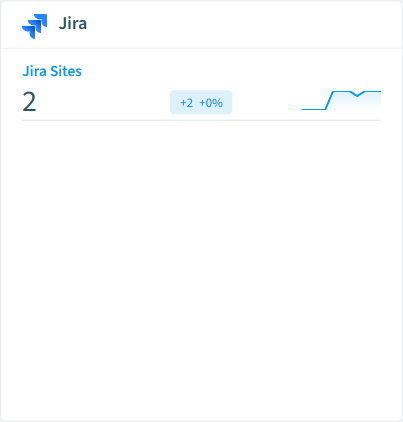
The Jira governance dashboard, summarizing risks and status at a glance.
Why govern Jira with Rencore
Control project sprawl
Detect inactive projects without issues updated in 90+ days, projects without assigned leads, and project schemes that deviate from organizational standards.
Manage user lifecycle
Find Jira users deactivated in Entra ID who still have active access, external users without business justification, and users with admin roles beyond their requirements.
Track usage and adoption
Reports show project activity trends, issue creation patterns, and user engagement. Inventory 20 object types including projects, boards, workflows, and custom fields.
What Rencore discovers
Rencore automatically inventories these Jira object types.
How Jira governance works in Rencore
Rencore connects to Jira Cloud via the Atlassian API and inventories projects, boards, workflows, custom fields, users, and groups. Policies run on every scan cycle and evaluate each object against governance rules, flagging sprawl, lifecycle, and access issues.
Who uses Jira governance
IT administrators use it to maintain a clean Jira instance and enforce project standards. Heads of IT use the reports to track project sprawl and justify license spend. Rencore links Jira users to Entra ID for cross-platform identity governance.
Getting started
Provide Rencore with Atlassian API credentials. All 14 policies activate on first scan, covering projects, users, and workflows automatically.
Policies
14 governance rules that detect violations and risks.
Need a rule that isn't listed? Rencore's Policy Builder lets you create custom policies tailored to your organization.
Reports
3 analytics views and dashboards.
Automations
2 automated remediation workflows.
Segments
7 data groupings for targeted filtering.
Frequently asked questions
What governance areas does Rencore cover?
What is Rencore governance?
How do Rencore policies work?
Related guides
Trusted by










